

Stop Building Digital Ghost Towns and Start Building Tools People Can’t Put Down
Look, I’m going to be brutally honest with you: the App Store and Play Store are cemeteries for "great ideas" that had terrible execution. I’ve seen founders spend fifty thousand dollars on a [Web Application Development] project only to have users delete the app within thirty seconds of opening it. It isn't because the idea was bad; it is because the friction was too high. If a user feels "stupid" trying to use your app, they won't blame themselves—they’ll blame you, and they’ll never come back.
The truth is, App UI/UX Design is about one thing: reducing the "Time to Value." How fast can a user solve their problem after tapping your icon? Most agencies focus on making things look like a sci-fi movie. At DesklaGo, we focus on the "Habit Loop." We build interfaces that feel like an extension of the user’s hand. We prioritize ergonomics, thumb-reach, and mental models that people already understand. No fluff, no over-designed nonsense—just elite mobile engineering for humans.
1. The "First Minute" Rule: Why Onboarding is Everything
If your app requires a 10-page manual to understand, you’ve already failed. The first sixty seconds of a user’s experience determine whether your app stays on the home screen or goes into the trash. I’ve seen enough "clunky" registration flows to know that most people ask for too much data too soon. You are scaring away your customers before they even see your value.
We design "Frictionless Onboarding." We use social logins, progressive profiling, and "Skeleton Screens" to make the app feel fast even when it’s loading. According to Statista, 25% of apps are only used once. We beat those odds by making the first interaction so satisfying that the user feels an immediate "win." It’s about building momentum, not obstacles.
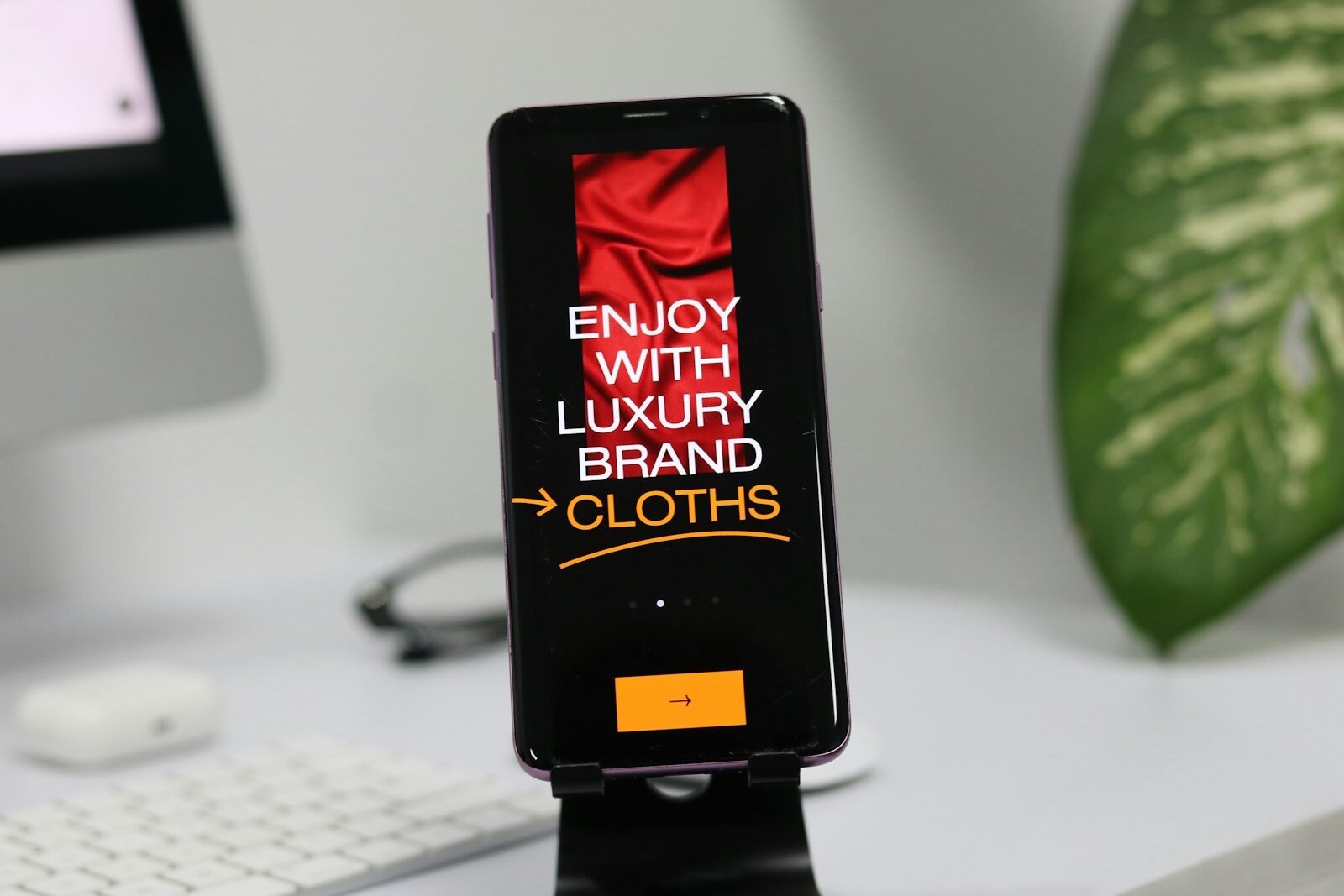
2. Designing for the "Thumb Zone"
Most designers build on big monitors and forget that the human hand has limits. If your primary "Action" button is at the very top-left of the screen, you are forcing your user to use two hands or risk dropping their phone. It sounds like a small detail, but it is a massive failure of App UI/UX Design.
We follow the "Thumb Zone" philosophy. We place the most critical navigation elements within the natural reach of a single thumb. We design for the reality of 2026—people using their phones while walking, holding a coffee, or commuting. If your app isn't easy to use with one hand, it isn't "Mobile-First." We ensure your [Website UI/UX Design] and your mobile app feel like a unified, effortless experience.
Need Immediate Assistance?
Our elite virtual assistants are ready to take over your inbox, calendar, and daily operations so you can get back to what actually matters-scaling your revenue.
3. Micro-Interactions: The Secret to User Retention
Have you ever noticed how satisfying it feels to "pull to refresh" or see a heart animation when you like a post? Those are Micro-Interactions. They provide the "Dopamine Hit" that keeps users coming back. I’ve seen "dry" apps that worked perfectly but felt "dead" because they lacked these small moments of feedback.
We build "Living Interfaces." We use subtle haptic feedback (vibrations) and smooth transitions to tell the user that their action was successful. This isn't just "eye candy"; it is communication. It tells the user that the app is responsive and alive. When your app feels high-end, your brand feels high-end. This level of detail is what separates a $500 freelancer job from a professional [Logo & Branding] ecosystem.
4. Offline Logic and "Low-Battery" Design
Real-world usage is messy. Your users aren't always on 5G in a fancy office. They are in elevators, on subways, and in areas with spotty connections. If your app just shows a blank white screen the second the signal drops, it is a disaster for your UX.
Our App UI/UX Design includes "Graceful Degradation." We design for the "Offline State." We ensure that the app caches data and remains functional even without a connection. We also optimize the visual weight of the app to be "Battery-Friendly," using dark modes and efficient rendering. We want your app to be the most reliable tool in your customer’s pocket, no matter where they are.
5. The DesklaGo App Blueprint
We do not believe in "drawing screens" until we understand the "why." Engineering a mobile habit requires a methodical, data-driven approach. Here is exactly how we take your app idea and turn it into a high-retention powerhouse.
-
Step 1: User Journey Mapping. We map out every single "Tap" and "Swipe" the user takes. We find the "Happy Path" to the goal and eliminate every redundant step.
-
Step 2: Low-Fidelity Wireframing. We build the skeleton. We focus on the hierarchy of information and the navigation logic. We don't worry about colors yet; we worry about the "Flow."
-
Step 3: High-Fidelity UI Prototyping. This is where the brand comes alive. We apply the visual layer, ensuring that your [Graphic Design] standards are met with pixel-perfection. We build a clickable version in Figma.
-
Step 4: Real-Device Testing. We don't just look at the design on a computer. We push the prototype to actual iPhones and Androids to test the "Feel." We check the button sizes and the spacing for real-world hands.
-
Step 5: Developer Handoff & Logic Specs. We provide a full "Design System" to your developers. We include every icon, every animation curve, and every spacing rule. This ensures the final build is identical to the design.
6. Accessibility: Dark Mode and Universal Design
In 2026, accessibility is a non-negotiable standard. If your app doesn't support "Dark Mode" or has tiny text that people over 40 can't read, you are excluding a huge percentage of the market. I’ve seen apps lose thousands of users because they ignored the Apple Human Interface Guidelines.
We build with inclusivity at the core. We ensure high color contrast, support for dynamic text sizing, and logical screen-reader paths. Whether it is a [SaaS Dashboard Design] or a consumer app, we make sure it is usable for everyone. This isn't just about being "nice"; it is about expanding your addressable market and avoiding technical debt later on.
Ready to Delegate?
DesklaGo provides proactive, strategic virtual assistance that seamlessly integrates into your workflow. Let us handle the noise while you focus on the vision.
7. Why Habit-Building Design is a Valuation Multiplier
At the end of the day, an app with high "Daily Active Users" (DAU) is worth infinitely more than an app with a lot of downloads but zero engagement. Investors don't care about your "Idea"; they care about your "Retention." High-end UI/UX is the only way to keep people coming back.
A DesklaGo app project is an investment in your company’s long-term equity. It turns your software from a "one-off" utility into a "must-have" habit. It tells the world that you are a serious player who understands human behavior. We don't just want to give you "cool" screens; we want to build the interface that makes your company indispensable. No fluff, just high-performance design that scales.

Stop Being Just Another Icon on a Second Page
If your app is confusing, it is a liability. You can either keep wondering why your churn rate is so high, or you can build a professional experience that users actually love to open every morning.
We aren't here to give you "flashy" concepts that don't work in the real world. We are here to build the interfaces that power your growth. If you’re ready to stop the deletion and start the retention, let’s get to work.